
There have been big changes in the Smithy family household this week.
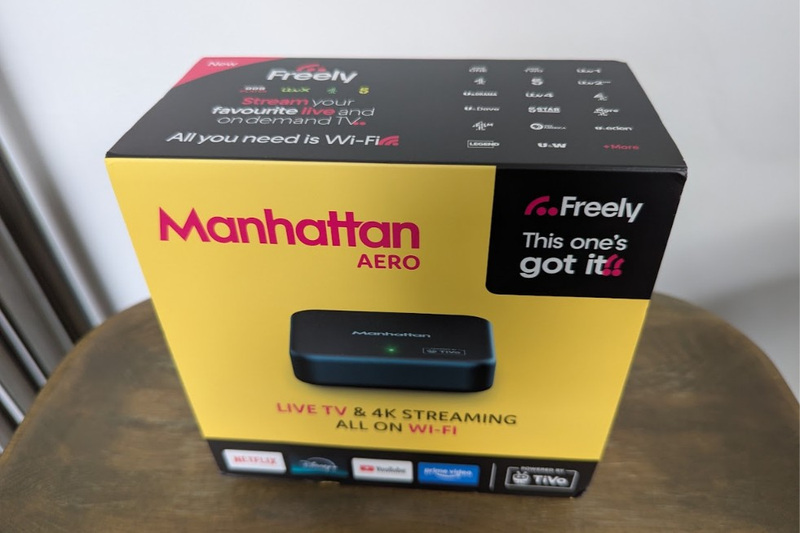
My fella has been getting increasingly annoyed with Sky raising their prices, so he did a bit of man stuff and found something which would cut our bills with virtually no downgrade in features: he bought a Manhattan Aero 4k TV Streamer.
It’s a TV streaming device that works via Wifi rather than needing a satellite dish or an aerial. The key selling point here, is that you can use it to watch live TV, as well as catch up services and streaming platforms like Amazon Prime Video and Disney+ etc.
This was really important for us because we don’t have an aerial and don’t want to pay to put one up.
This is thanks to Freely, which comes with loads of free TV channels, and gives the Aero an advantage over something like a Firestick. There are lots of other free bits and bobs too, although we will probably never use most of them (who plays chess on the TV?), but they are not why we bought it.
Note: I have included images of my television and TV stand. The television has my daughters hand prints on it and my tv stand has stickers from about 3 years ago on it. Please don’t judge me, I’m a tired Mum 🙏
Why Did You Buy It, Millie?
For us, we wanted to cut out the Sky bill. We were paying for the basic package and all we really got was access to the Sky TV platform. If we had any special channels we weren’t aware of them. We only watch the main live channels like BBC, ITV and Channels 4 and 5, or streaming platforms like Netflix.
The Manhattan Aero box cost us £89.99, but there is no subscription, so it will pay for itself in 5 months.
We don’t really lose out on anything either.
We can’t record live TV, but there’s catch up for that, and we can’t fast forward or rewind it, but we can pause it (for 15 minutes). It’s not great for live sports in the UK, although with HBO Max you can get access to matches via TNT Sports, but when my fella watches the football he goes to the pub so that didn’t matter to us.
The only thing I will really miss is the ability to make the remote control beep when I can’t find it. That has been incredibly useful on the various occasions one of my beautiful children have stuffed the remote down the back of the sofa, or left it in one of their wellies. This actually happened… 👼🤪 That said, you can use voice control with this remote.
So it might not be right for you if you are sport mad or use lots of premium channels, but for average TV users like us it is ideal.
What’s In The Box?
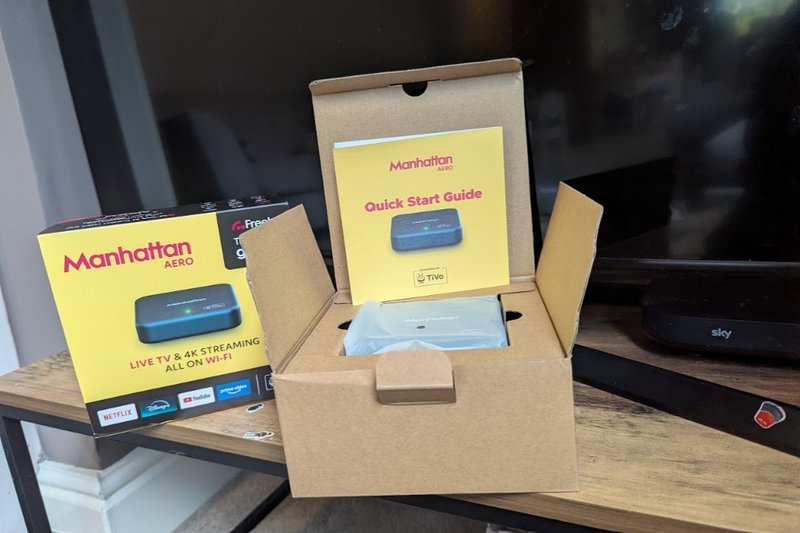
As you may already know, I like a good box, and this one was a solid 7/10.
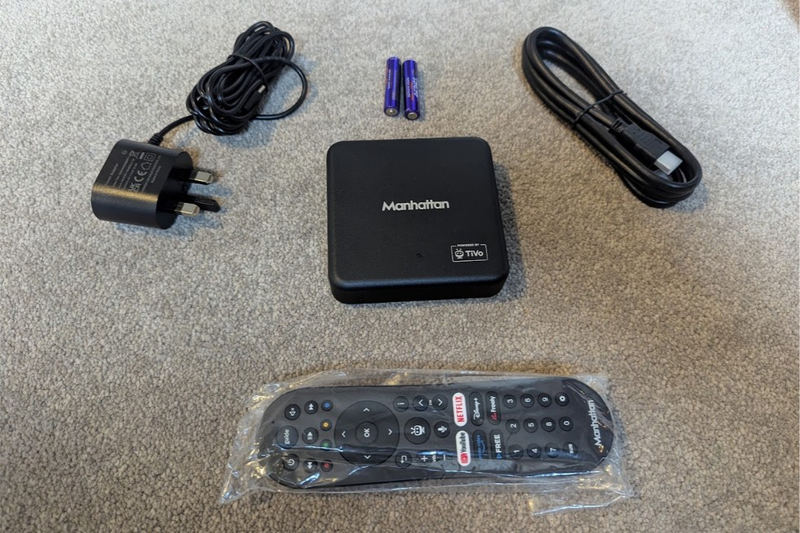
Inside, you will find:
- Manhattan Aero device
- HDMI cable
- Power cable
- Remote control
- Batteries for remote control
- User guide
Including the batteries was an unexpected but pleasant surprise. Very helpful.
The plug has one of those push up third pins so don’t forget to do that or you won’t get it into the socket. It all feels like good quality stuff – the HDMI connectors have protective ends on them, for example – although the remote feels less substantial than the Sky one. It’s fine though, I’m being super picky here.
It takes no more than two minutes to plug everything in, and the device will turn on by itself.
How Setup Works
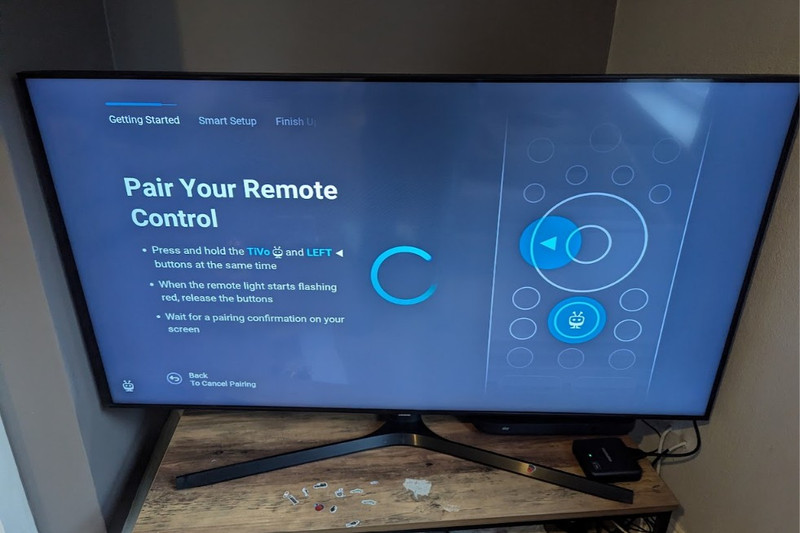
Once the Manhattan is turned on and you are using the right input source thingy (the right HDMI port), you will be taken through the setup process step by step.
There’s nothing to get your head around. I’m not embarrassed to say I can be easily confused by techy stuff, but I set this baby up all by myself while my other half was working, and I had no issues.
It’s basically a bunch of settings to turn on or off, and privacy agreements you can say Yes or No to. The usual stuff. I would recommend turning off the accessibility audio though, the voice is very annoying.
From start to finish it probably took no more than 30 minutes to plug in and set up, including logging in to all my existing accounts like Youtube and Netflix etc.
What Can You Watch?
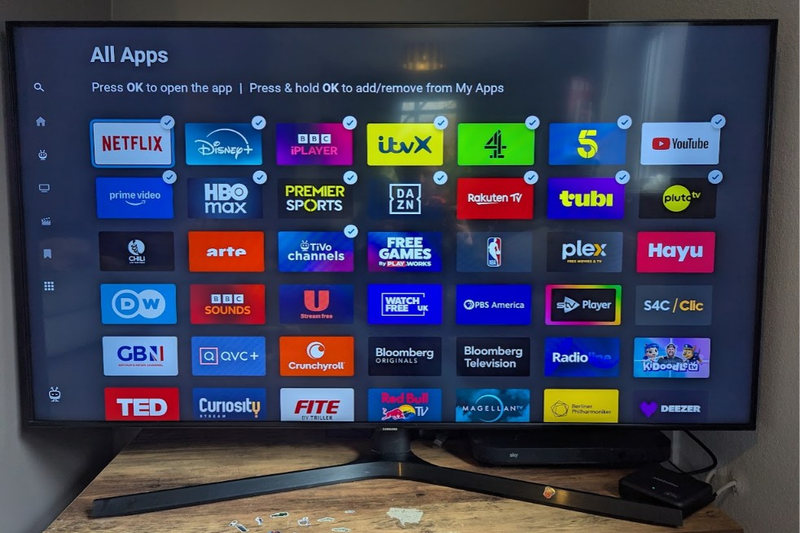
There are loads of apps available with the Manhattan Aero, so you won’t lose out on streaming platforms. You can decide which ones to add to your home screen too, so if there are any you literally never want to use you can just get rid of them.
I’ve got:
- Disney+
- Netflix
- Youtube (I only let them watch 30 mins each per day!)
- Amazon Prime Video
- All the live channel players
I haven’t gone through all the other apps yet, but I may add to the list if I find a few I like. There are a mix of apps with free content and those that require a subscription.
You also get access to all the TiVo channels, which is also the company behind the software that powers the whole platform. You get more than 400 extra channels thanks to TiVo. However, they are spread out so some are inside free apps like Pluto TV, others are listed in the TiVo TV guide.
These are mostly niche channels, the ones you barely ever watch. Like the bargain bucket of TV channels.
Freely
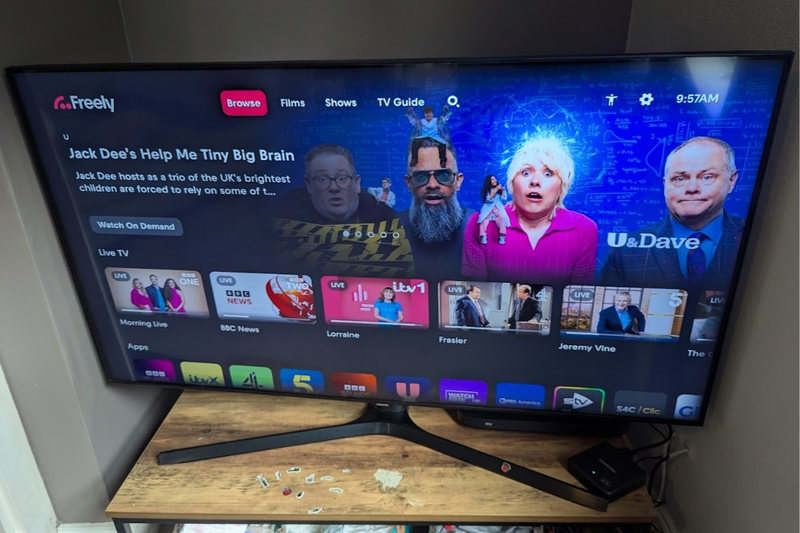
Freely is a free to air television platform, just like Freeview or Freesat, and the Manhattan has it built in. It’s operated by Everyone TV, if you know what that is, which is co-owned by the BBC, ITV, Channel 4 and Channel 5.
The idea is to give people access to free TV without needing an aerial or satellite dish.
Freely comes with more than 100 television and radio channels, including the mainstream channels I just mentioned, plus the secondary channels like ITV2, and specialist channels like Film4, Quest, PBS America, and those ones that show property programmes on repeat.
We actually call it the ‘Freely Box’ rather than the Manhattan Aero 4K TV Streamer, because let’s face it, the latter is a bit of a mouthful, isn’t it?
Is It Worth It?
I have only been using the Manhattan Aero box for a few days, but I really like it!
I haven’t tested out the 4k streaming yet, we are getting faster internet soon so I can test it then, but there have been no issues using the slower internet speed we currently have. The platform is slightly slower to react than I’m used to, but only by a tiny amount, and everything else has been great.
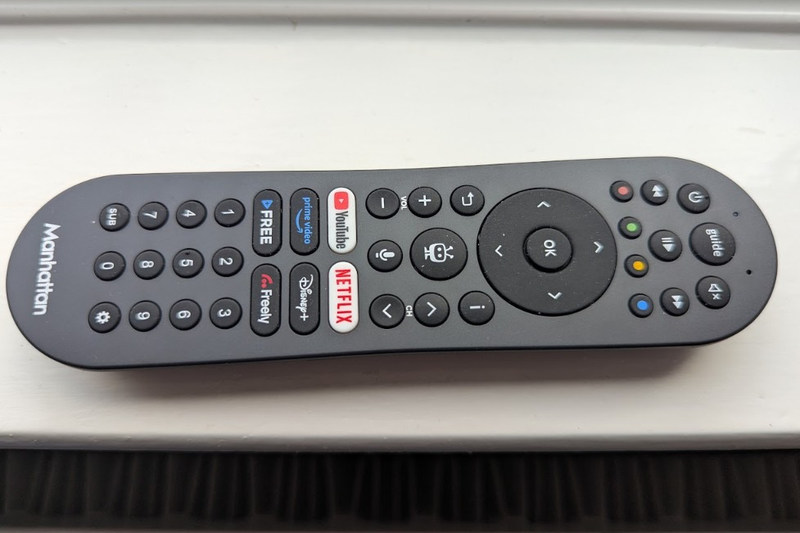
It didn’t take long to get to grips with the new layout, and my kids can already find Netflix and Youtube without having to ask. Switching between channels is really easy using the ‘guide’ button, and there are even a few quick buttons on the remote for the major streaming platforms so you don’t need to navigate to them.
The Aero device itself is really small too, so it takes up way less room on my TV unit ☺️
I’m so glad my fella decided to get this, because it’s no downgrade and is going to save us hundreds of pounds per year.
Now I just have to spend 8 days on the phone with Sky to get our old subscription cancelled. Wish me luck!