

Your phone does a lot of heavy lifting these days. It holds your bank details, messages, photos – well, everything, really. It’s quite easy to forget just how much personal information sits in your pocket, doesn’t it? Until something goes wrong, that is.
The good news? You don’t need to be a tech expert to stay safe. A few small tweaks to how you use your phone can quietly make a big difference.
1. Stay up to Date
Those update notifications you keep swiping away are doing more than adding the odd new feature or changing how things look; Updates aren’t just there to add new stuff; they’re often fixing security gaps that have already been spotted by experts. If those gaps stay open, they can be used by people who shouldn’t have access to your device in the first place. Phone makers and app developers are constantly patching these vulnerabilities, which means staying up to date is one of the simplest ways to protect yourself.
Checking for updates doesn’t take long. On most phones, you’ll find it in your settings under “Software Update” or something similar. You can usually turn on automatic updates as well, so it all happens in the background without any effort on your part. Plug your phone in overnight, let it do its thing, and you’ll wake up with an extra layer of protection already in place.
2. App Permissions Galore
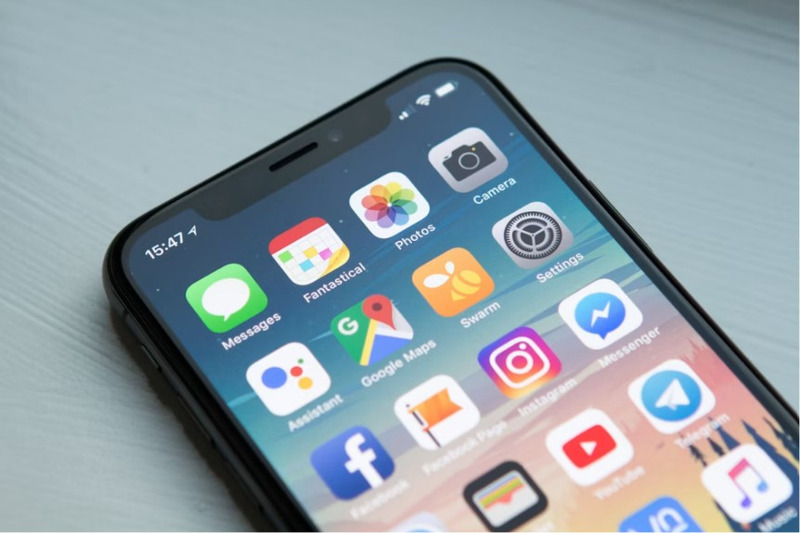
Every time you download a new app, it asks for permission to access certain parts of your phone. Sometimes it makes perfect sense. A maps app needs your location, a messaging app needs your contacts, and an arcade game with deposits will need permission for purchases. But not every request is quite so obvious.
It’s easy to tap “allow” without thinking, especially when you just want to get started. Still, giving apps access to things they don’t really need can leave your personal data more exposed than you’d like. Contacts, photos, microphone, even financial information in some cases. And this adds up!
You can review and adjust permissions at any time through your phone’s settings. Look for “Privacy” or “App Permissions”, where you’ll see exactly what each app can access. If something doesn’t feel right, switch it off. The app will usually still work just fine, and you stay in control of your information rather than handing it over by default.
3. The Classic: Passwords
It’s tempting to reuse the same password across a few apps, we know. The trouble is, if one account gets compromised, the rest can quickly follow. That’s why having a different password for each account is worth the small bit of extra effort.
A strong password (and not 123456!) doesn’t need to be impossible to remember. Aim for something longer than you’d usually pick, with a mix of words that don’t obviously go together. Think along the lines of a short phrase with a few numbers or symbols worked in. For example, something like TeaMug!River92 is far stronger than a simple name or date of birth. If keeping track of them all feels like a chore, a password manager can do the heavy lifting for you. That way, you only need to remember one master password, and the rest are handled behind the scenes. For an extra layer of protection, switch on two-factor authentication wherever it’s available.
4. Trusted Sources Only
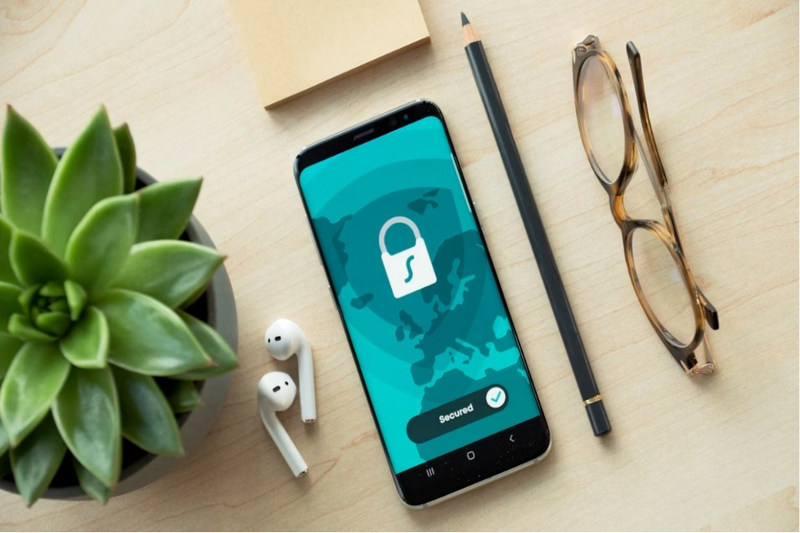
When you’re trying out something new, it can be tempting to click a quick download link from a website or ad. It feels convenient, but it’s not always the safest route. Official app stores exist for a reason. Sticking to places like the Apple App Store or Google Play Store gives you a bit of built-in reassurance. That doesn’t mean every app there is perfect, though. Check the reviews, have a quick glance at the developer, and see how many people have downloaded it. If something feels off, trust that instinct.
Be wary of apps with very few reviews, oddly worded descriptions, or permissions that don’t match what the app claims to do. A torch app, for example, shouldn’t need access to your contacts or messages. Small details like that can tell you a lot!
It’s also a good habit to clear out apps you no longer use. They can hold onto old permissions and data without you realising. A quick declutter every so often keeps your phone running smoothly and limits how much of your information is sitting around unused.